
The Sketchbook blog

Concept art is visual problem solving
Concept art is taking the seed of an idea and exploring all the visual possibilities of what it could grow into. It's about defining style, setting a mood, and giving clarity to artists working downstream on a project so that they can bring it to life.
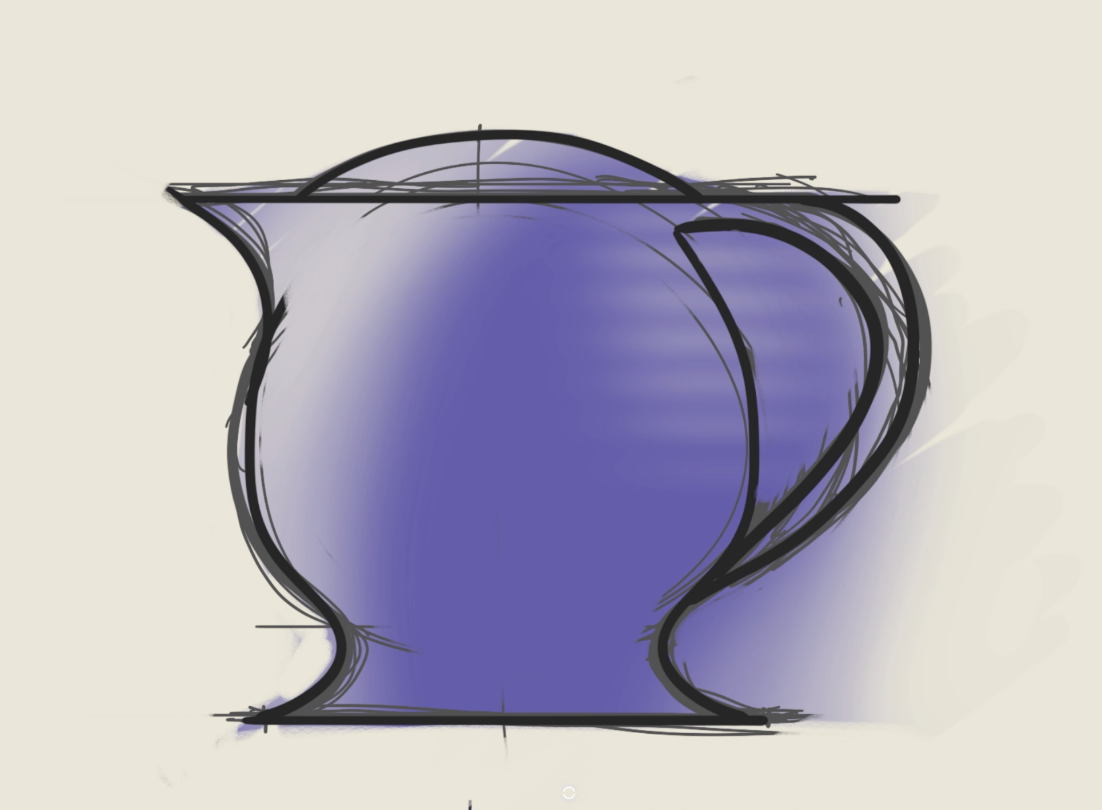
Erasing Overview
Demonstration of the basics for eraser brushes and clearing paint from layers.
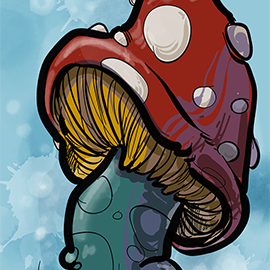
Artist Spotlight - Bernabe Martinez
Every morning while his kids finish getting ready for school, Bernie Martinez sits down and draws on his phone. He's been doing it for 100+ days straight.

Creating Stitch Brushes
It’s easy to customize brushes to make repeat patterns. This tip shows how to create quick straight stitches in any version of Sketchbook and how to customize Nib Shapes in Sketchbook Pro or with the Premium Bundle.
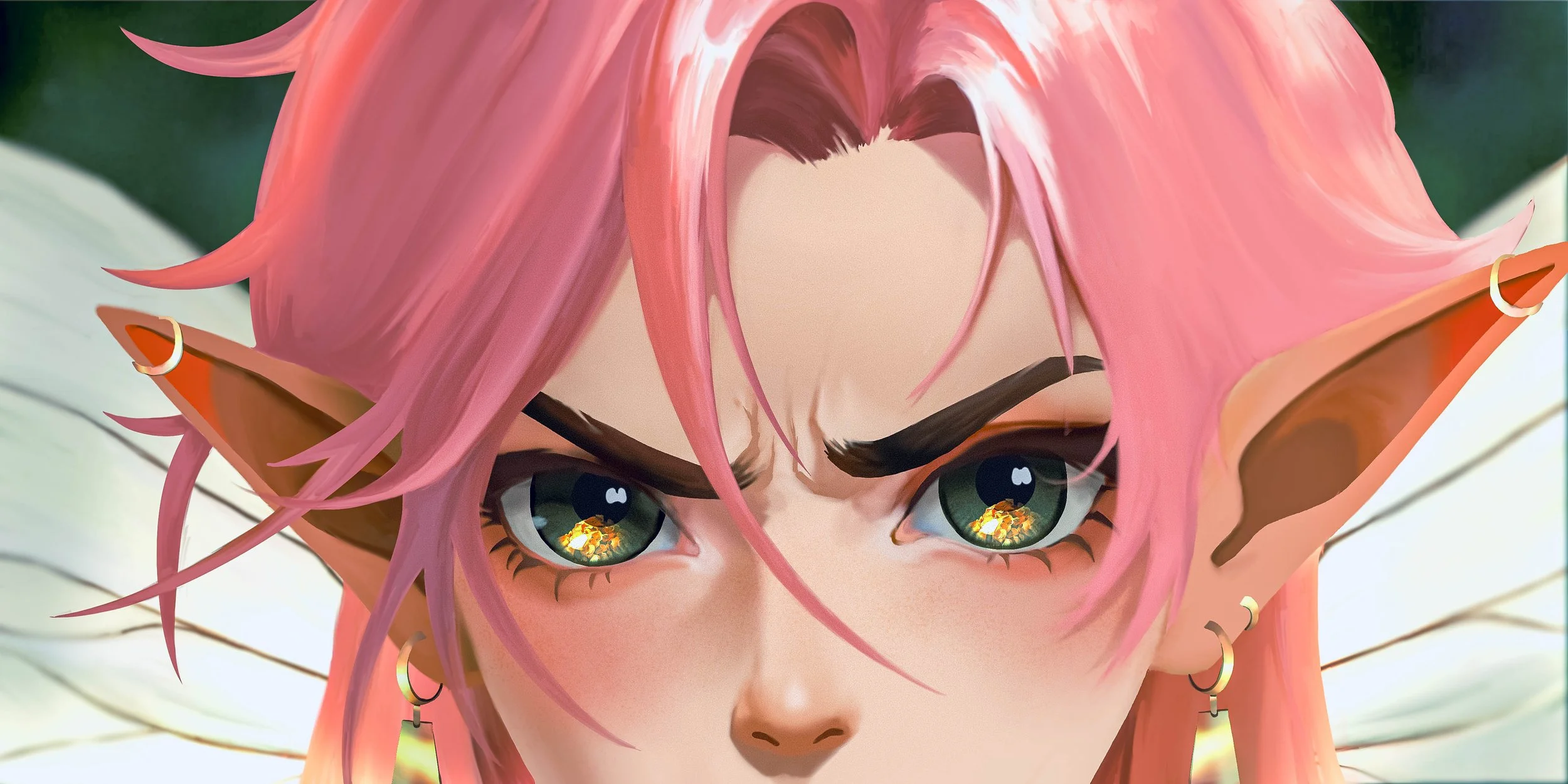
Artist Spotlight: Chaya Weerasinghe
Spotlight on artist Chaya Weerasinghe, an Illustrator and Animator who adapts her style to every project. And Sketchbook has been her tool of choice all along the way.
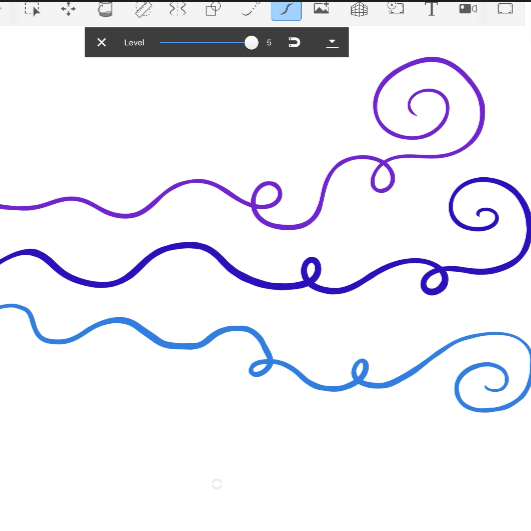
Creating smooth strokes
A video demonstration using Predictive Stroke and Steady Stroke to create smoother line work.
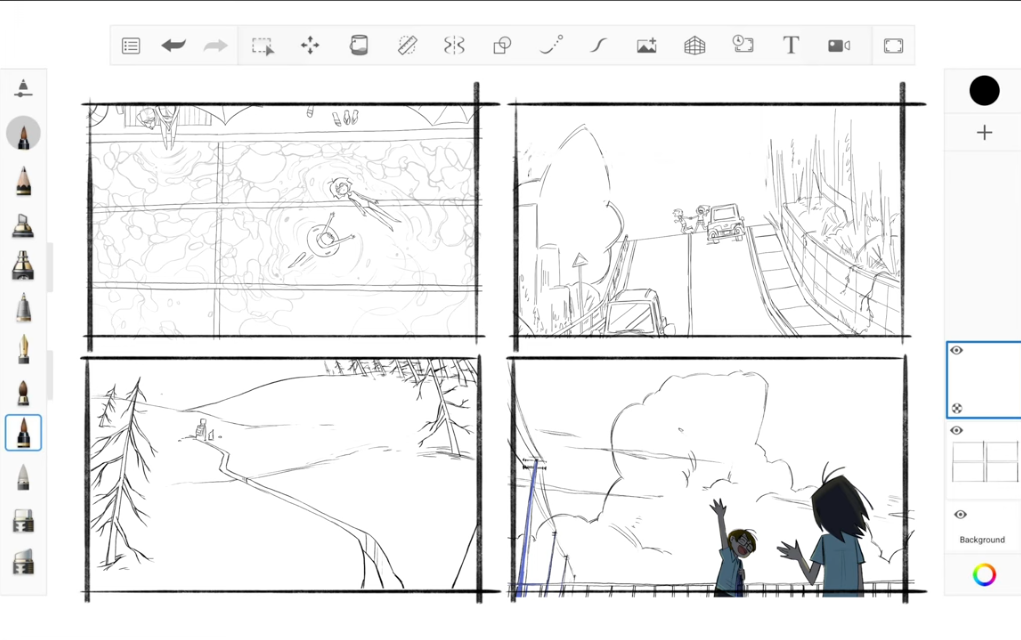
What are your favorite moments from 2025?
With 2025 coming to a close now is the perfect time to reflect, and drawing is a wonderful tool for contemplation.

Artist Spotlight: Susan Murtaugh
Spotlight on artist Susan Murtaugh, who's been a champion of digital art since the iPod Touch days (!!).
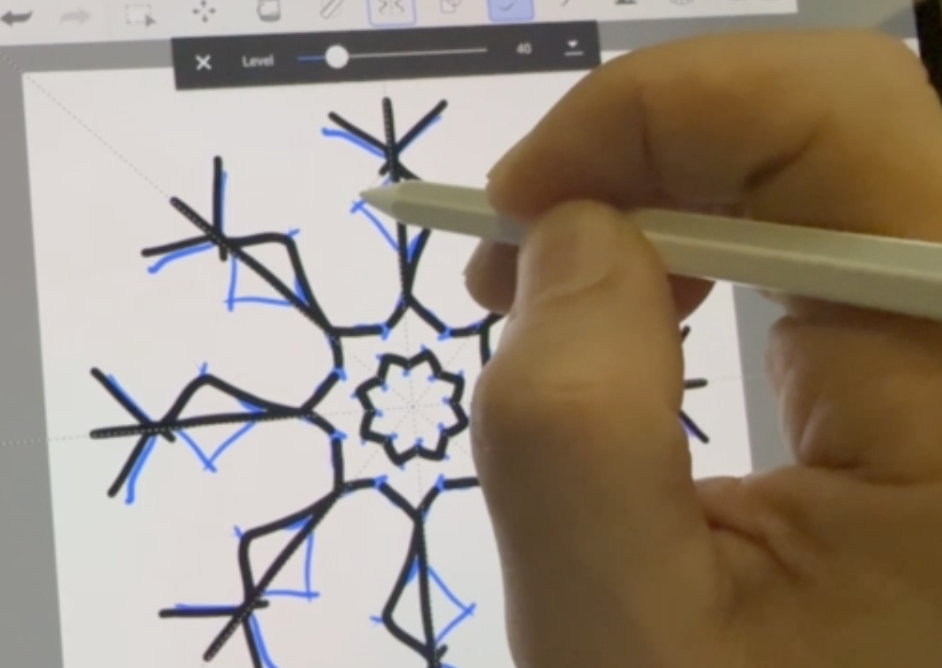
Operation Snowflake
Try this month’s seasonal warm-up exercise to get the creative juices flowing and counter the winter blues.

For the love of dragons!
From sketches in iPad to finished artwork on desktop, watch Monika’s tribute to Toothless from How To Train Your Dragon.

6.2 update on Android and iOS
Sketchbook on mobile gets new features in the 6.2 update, including new layer adjustments (Blur, Sharpen, Brightness/Contrast, Grayscale, Invert) added to the Premium Bundle.
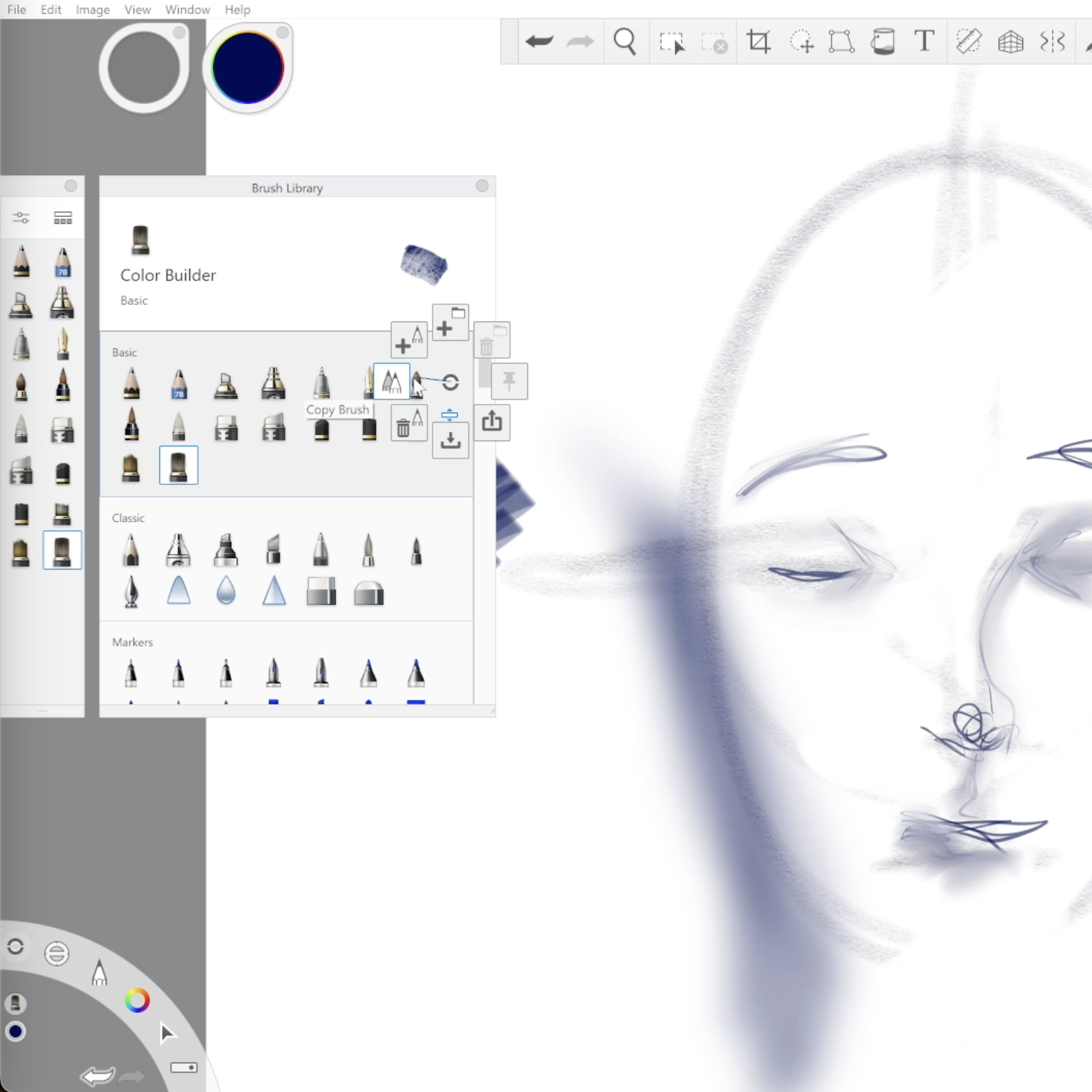
Getting Started on Mac and Windows
This video and blog post give an orientation overview to Sketchbook Pro for people just getting started with the app.
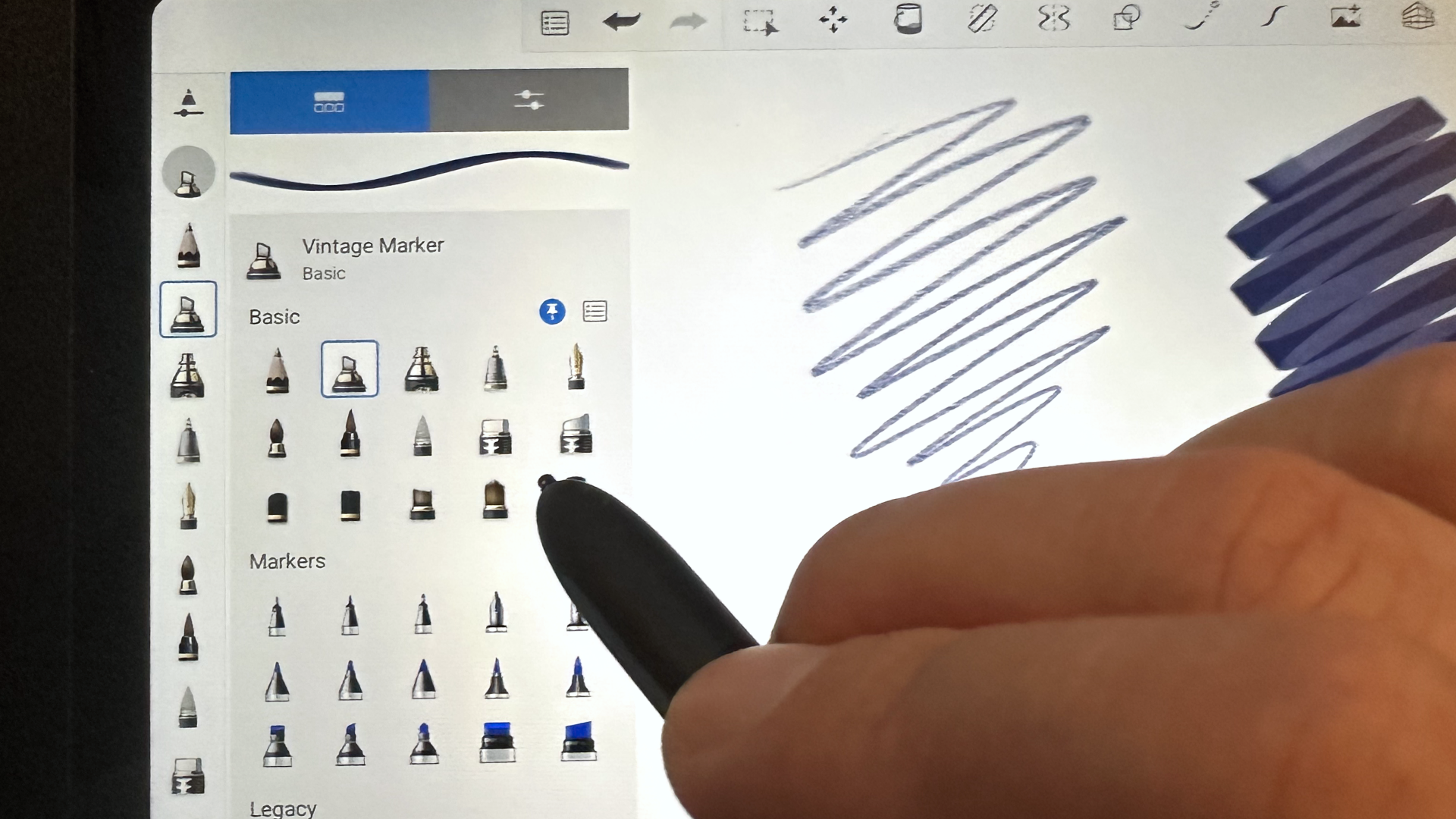
Getting Started on iPad and Android Tablets
Learn the essentials of Sketchbook and how to get started.
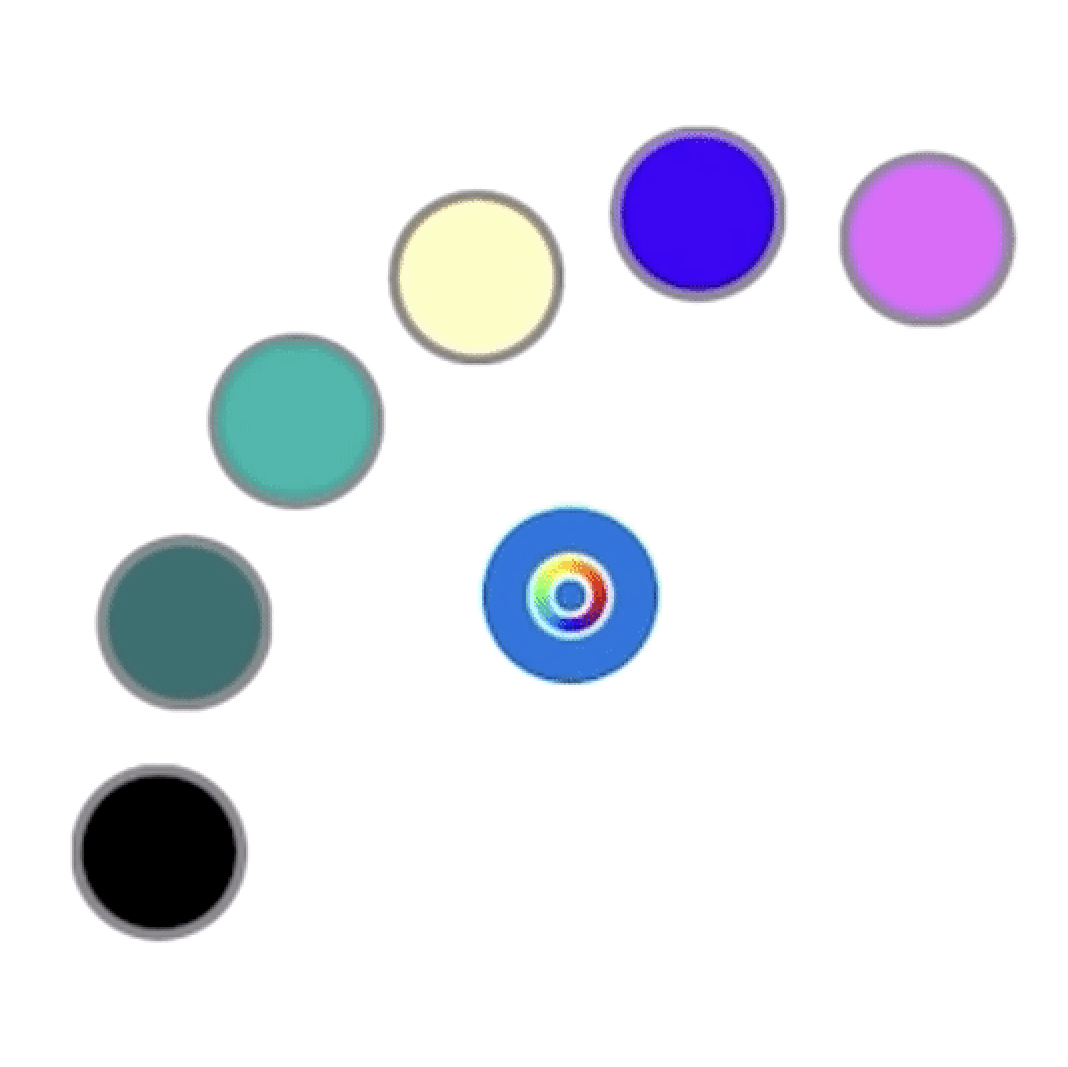
Sketchbook and Apple Pencil Pro
Sketchbook on iOS now supports squeeze and barrel roll with Apple Pencil Pro. Set squeeze to the tool palette option to quickly choose from your brush history or color history.
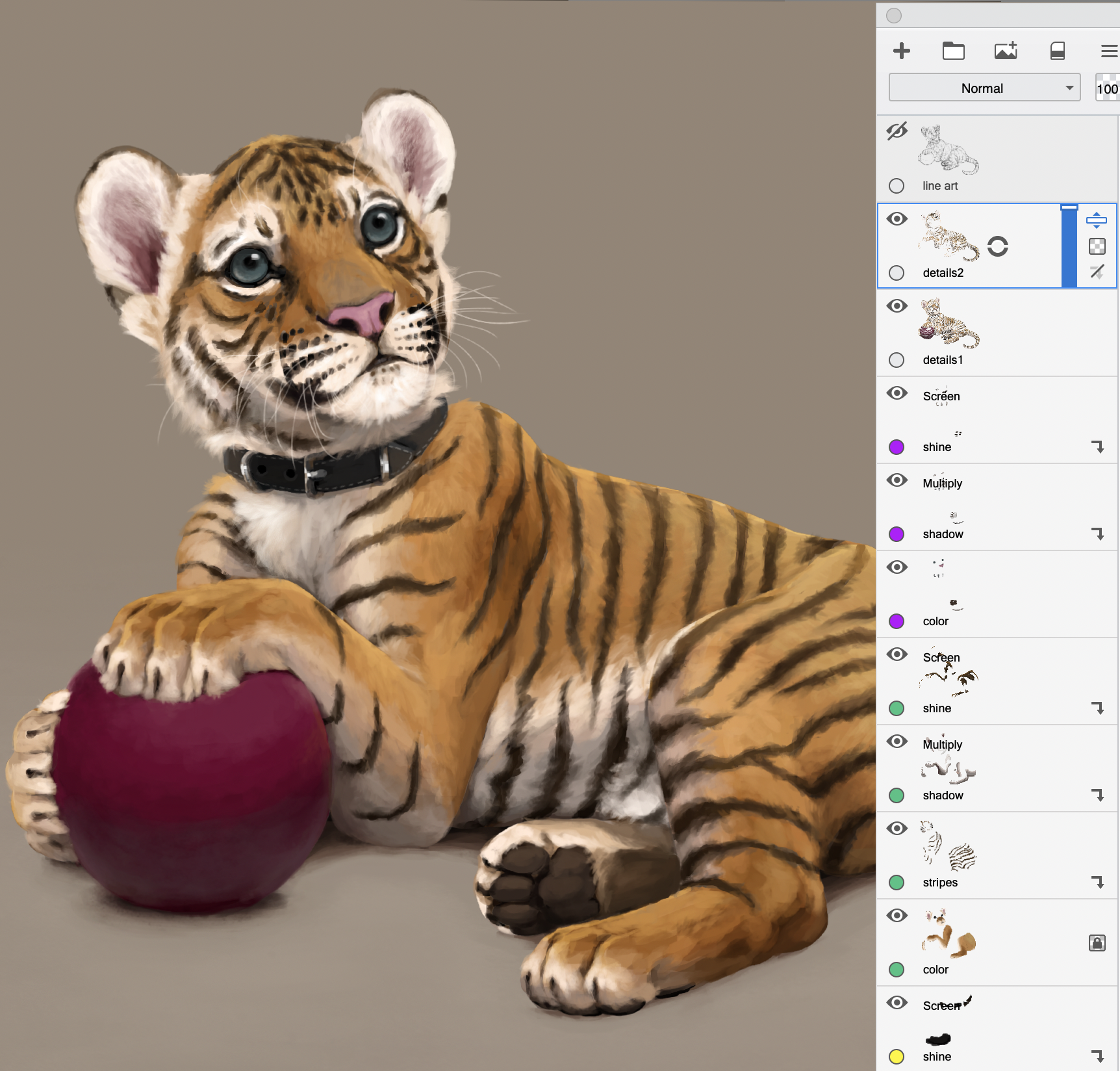
Feature update: clipping masks
A highly requested feature - clipping masks! Clipping masks are a way to blend and manage the content of your canvas across different layers more easily. They are flexible, allowing you to alter the visible results such as experimenting with texture or color without making more permanent changes to your art.
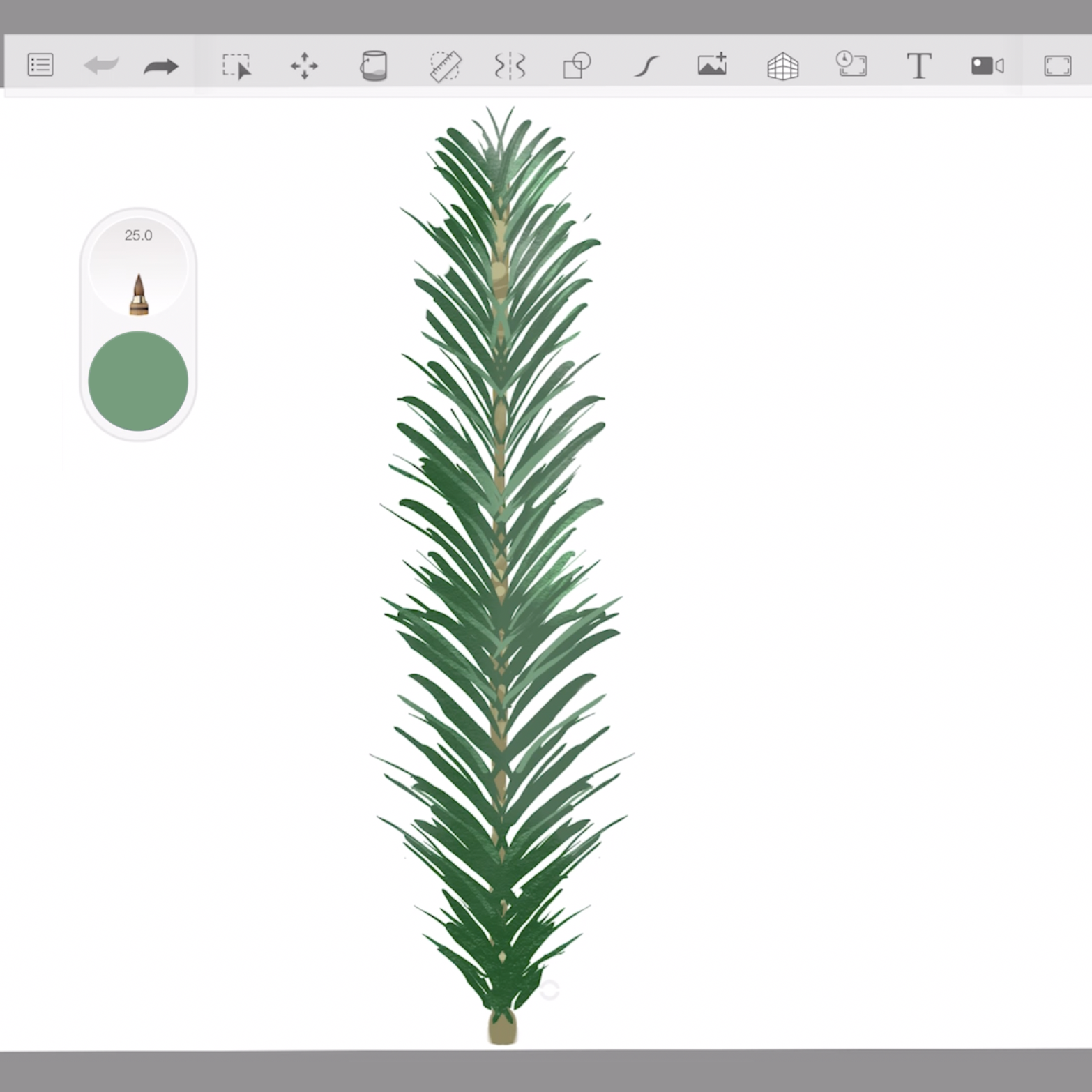
Getting creative with stamp brushes
A stamp brush can help you create repetitive parts of your art so that you don't have to draw each one individually. Learn how to create your own stamp brushes to streamline repetitive work or create unique effects.
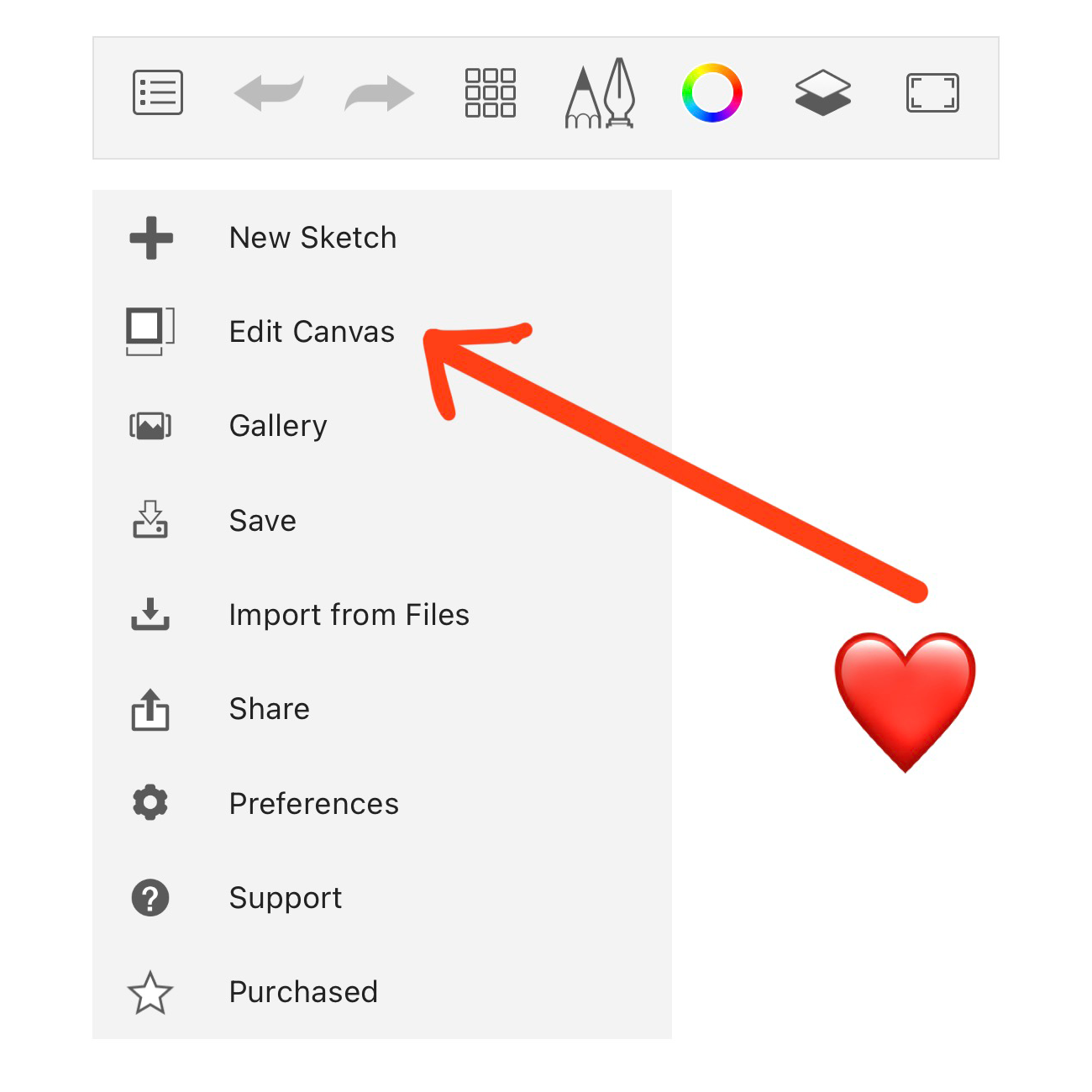
New additions to the Premium Bundle!
We’ve recently added new features to the Premium Bundle on mobile for adjusting canvas and image dimensions. Read about them here.
Create your own brushes in Sketchbook
Did you know you can create your own brushes in Sketchbook? We’ve got some tips and helpful links to how-tos for people just getting started with importing or creating their own unique brushes.
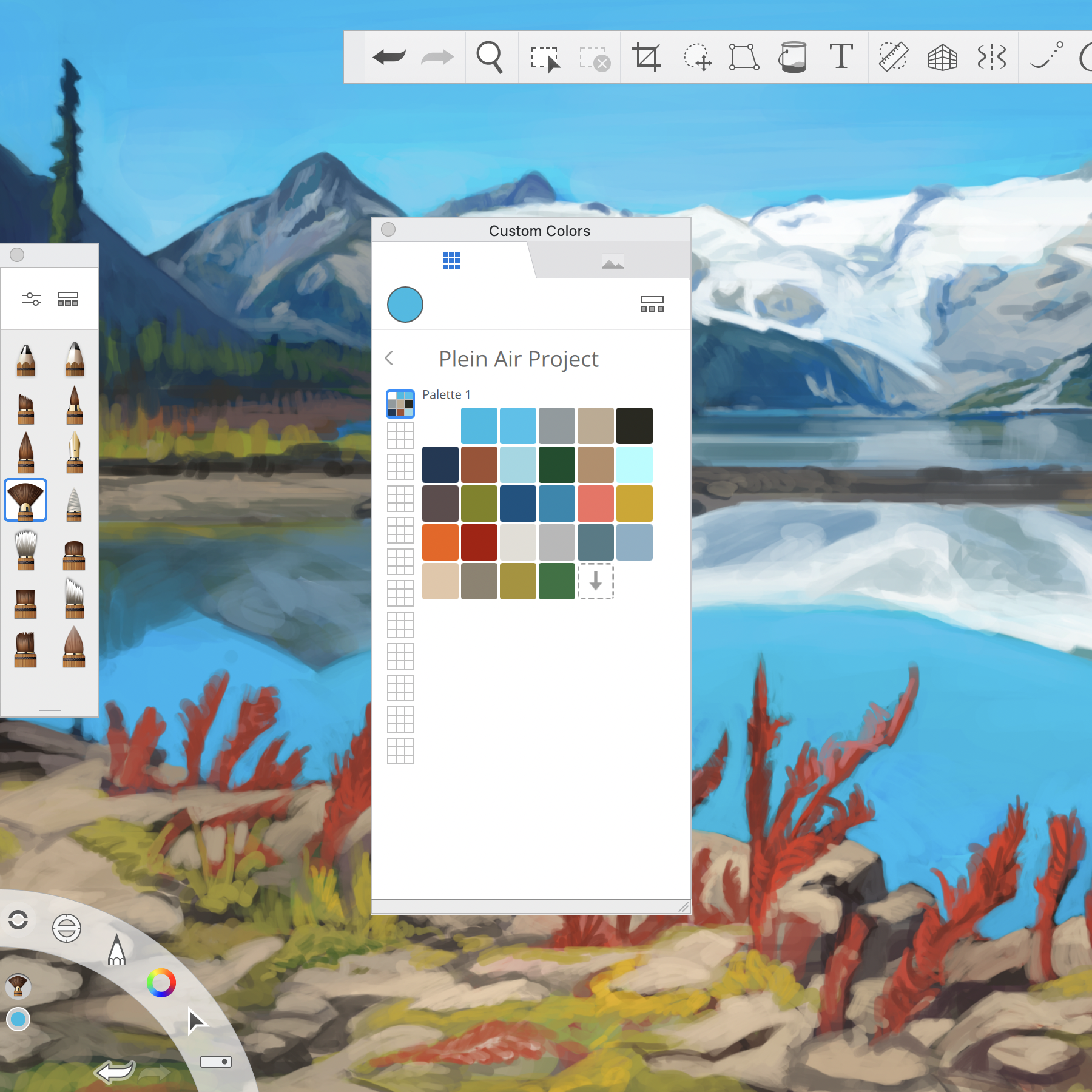
Sketchbook Pro on macOS
The v9 update to Sketchbook Pro on macOS is available now on the Mac App Store!
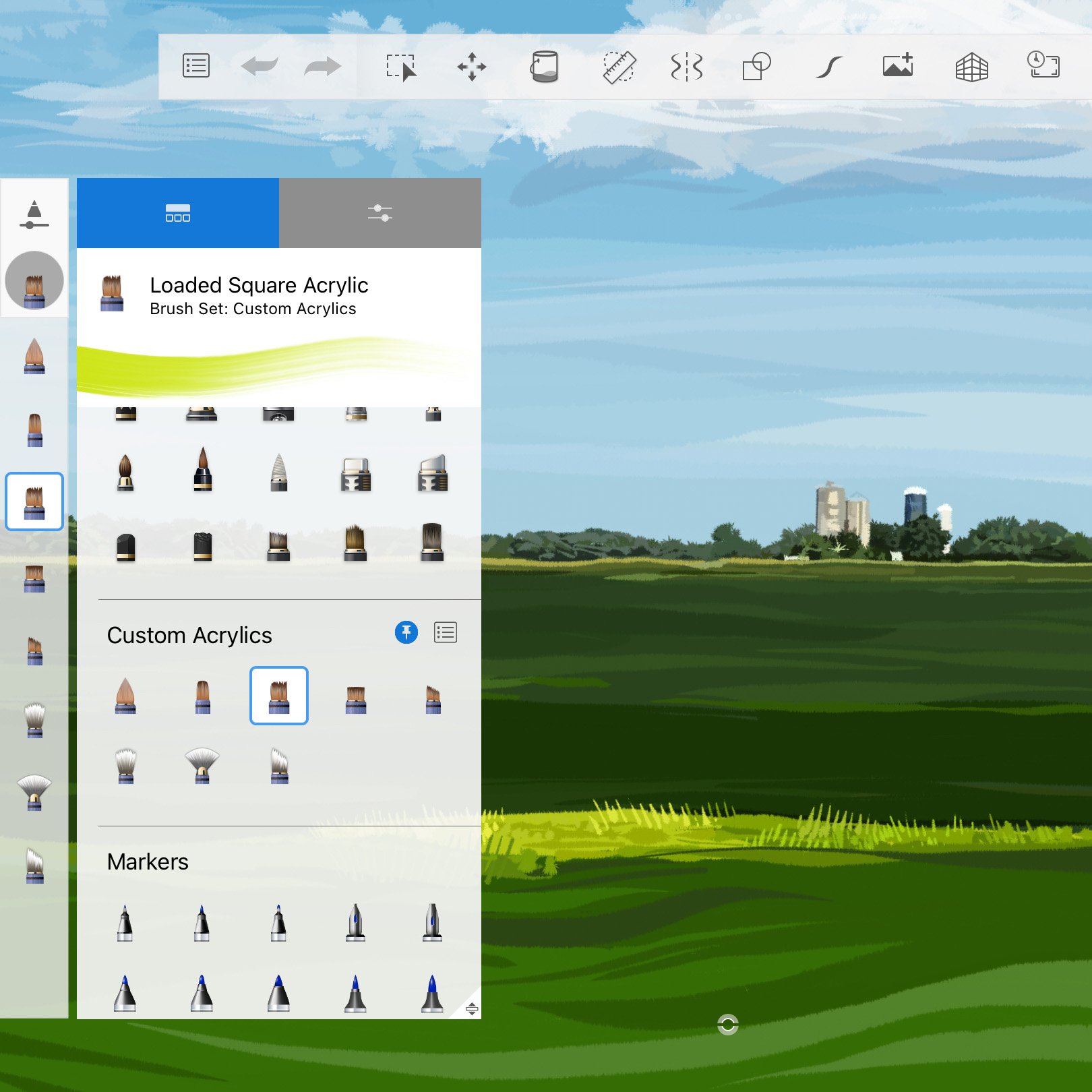
Sketchbook 6 on iOS
The latest release of Sketchbook for mobile devices is on its way, and includes lots of new features and improvements based on your requests!